

Single Post Page Title: You can Enable/Disable for single post page title. Page Title Settings: This is page title style settings for single post. Here skin settings available. You can
Magazine – Blog Template

Blog Page Title: You can Enable/Disable for blog page title. Page Title Settings: This is page title style settings for blog. Here you can set skin settings like font color,
Magazine – Archive Template

Archive Page Title: You can Enable/Disable for archive page title. Page Title Settings: This is page title style settings for archive. Here you can set skin settings like font color,
Magazine – Common Category Template

Category Page Title: You can Enable/Disable for category page title. Page Title Settings: This is page title style settings for category. Here you can set skin settings like font color,
Magazine – Tag Template

Tag Page Title: You can Enable/Disable for tag page title. Page Title Settings: This is page title style settings for tag. Here you can set skin settings like font color,
Magazine – Author Template
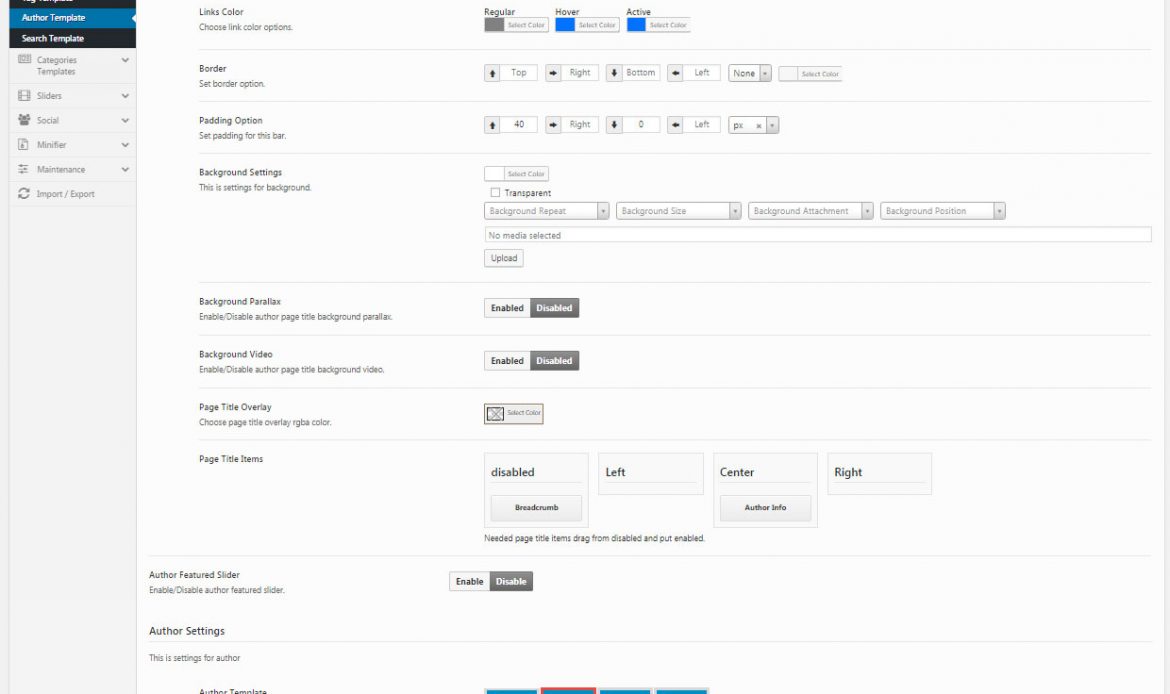
Author Page Title: You can Enable/Disable for author page title. Page Title Settings: This is page title style settings for author. Here you can set skin settings like font color,
Magazine – Search Template

Search Page Title: You can Enable/Disable for search page title. Page Title Settings: This is page title style settings for search. Here you can set skin settings like font color,
Magazine – Body Background
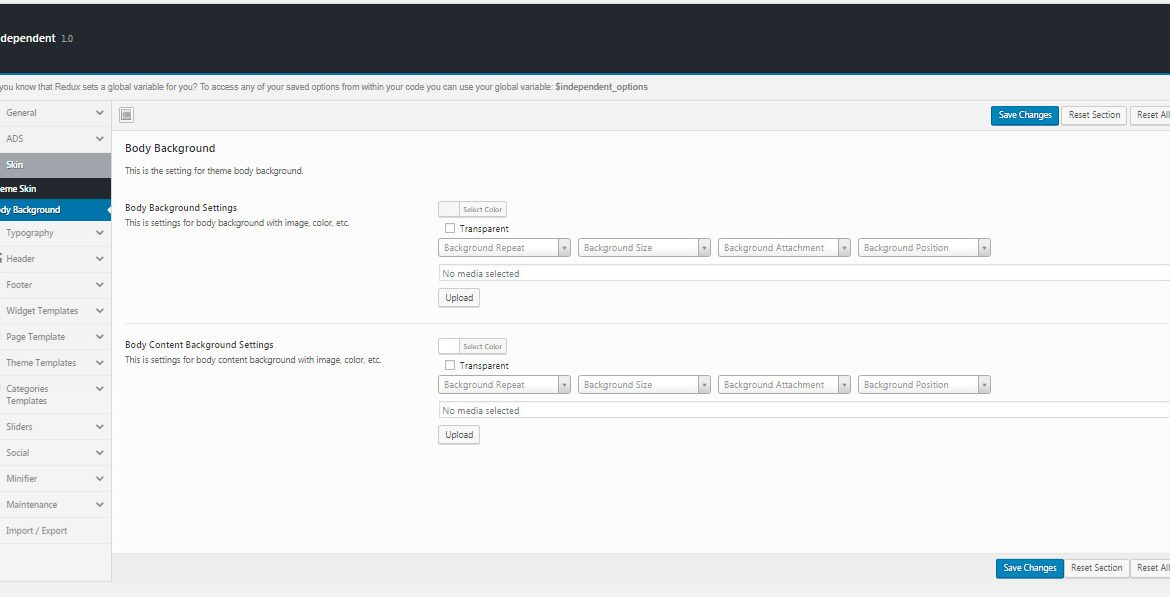
In this option for set the theme body background image, color, etc. Body Background Settings: This is option for site body background. Here available options are background color or image,
Magazine – Theme Skin
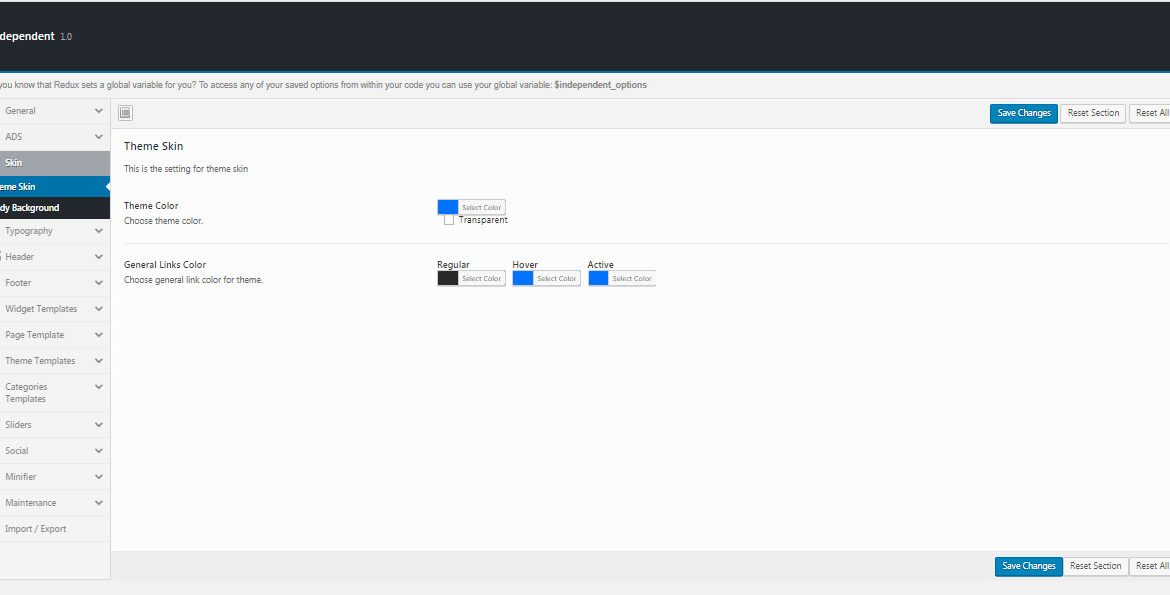
You can choose theme skin and set the color for theme color, General links color. Theme Color: Choose your theme color or transparent General Links Color: Choose general link color
Magazine – Ads

Header Ads: This option is to show the ad’s in the header. Here you can enter the Google ad code or custom ad link code to display it in header